iter-png-2/claude-opus-4-8 / tier-2-offset-handle-mug
success tier 2
bare (claude opus 4.8)
render
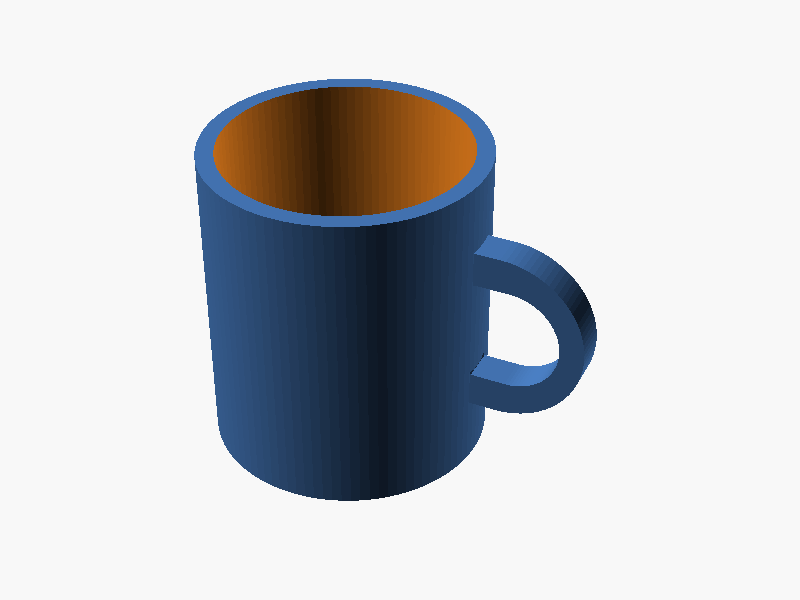
// マグカップ(取手は +X 方向のみ)

// パラメータ
outer_d   = 80;   // 外径
inner_d   = 70;   // 内径
wall      = (outer_d - inner_d) / 2; // 肉厚 5mm
height    = 90;   // 全体高さ
bottom_th = 6;    // 底厚

outer_r = outer_d / 2; // 40
inner_r = inner_d / 2; // 35

// 取手パラメータ
hole_h   = 30;    // 取手内側の高さ
hole_w   = 25;    // 取手内側の幅
h_thick  = 10;    // 取手の太さ(断面・押し出し方向)
embed    = 3;     // 本体への食い込み量(接続強化)
handle_z = height / 2; // 取手を高さ中央に

$fn = 96;

// ===== 本体 =====
module body() {
    difference() {
        cylinder(h = height, r = outer_r);
        translate([0, 0, bottom_th])
            cylinder(h = height - bottom_th + 1, r = inner_r);
    }
}

// ===== 取手 =====
// D字形状: 外側半円 + 直線(本体側)
// XZ平面で形状を定義し、Y方向へ押し出す
module handle() {
    handle_outer_h = hole_h + 2 * h_thick; // 全体高さ
    handle_outer_w = hole_w + 2 * h_thick; // 全体幅

    // 本体表面より少し内側(embed)から張り出して接続を確実にする
    translate([outer_r - h_thick - embed, 0, handle_z])
    rotate([90, 0, 0])
    linear_extrude(height = h_thick, center = true)
    difference() {
        // 外形 D字
        hull() {
            translate([0, -handle_outer_h/2])
                square([1, handle_outer_h]);
            translate([handle_outer_w - handle_outer_h/2, 0])
                circle(d = handle_outer_h);
        }
        // 内側の穴 D字
        hull() {
            translate([h_thick + embed, -hole_h/2])
                square([1, hole_h]);
            translate([h_thick + embed + hole_w - hole_h/2, 0])
                circle(d = hole_h);
        }
    }
}

// ===== 結合 =====
union() {
    body();
    handle();
} パラメータ (8) —
スライダを動かすと openscad-wasm で再レンダリング
iteration chain
各 iteration step は独立した benchmark run です。parentRunId で前段にリンクします。
← parent 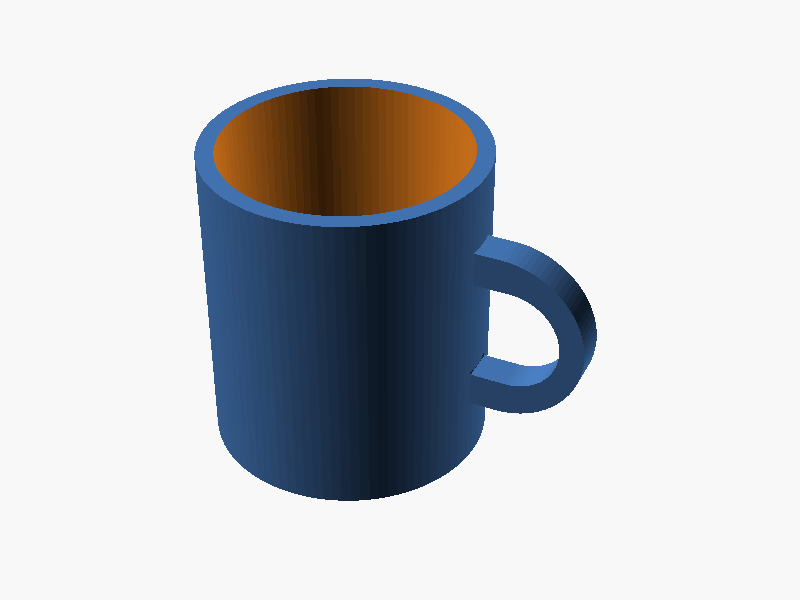
iter-png-1/claude-opus-4-8 success → children (1)
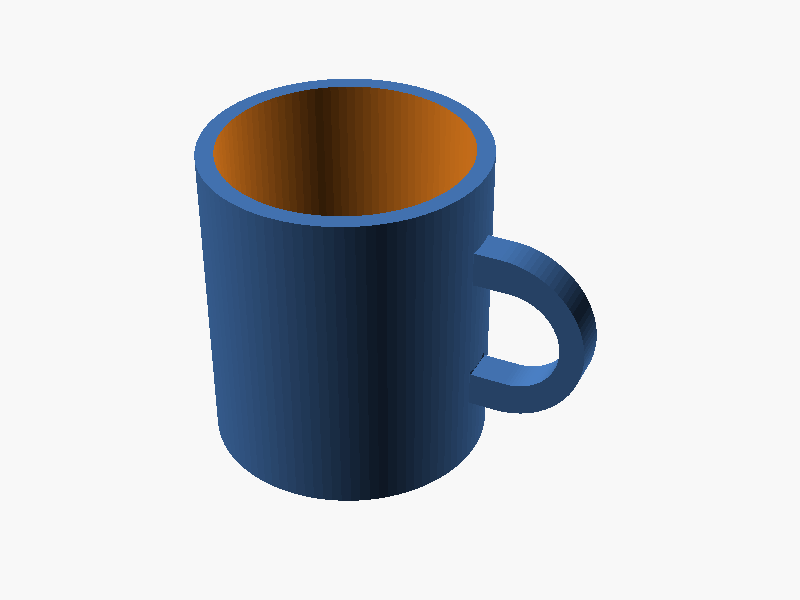
prompt
OpenSCAD で、向きが指定されたマグカップを作ってください。

本体:
- 外径 80mm、内径 70mm(肉厚 5mm)、高さ 90mm の円筒形マグ
- 底面の厚みは 6mm
- 内側は飲み物を入れられるよう中空

取手(handle):
- マグの **+X 軸方向の側面のみ** に付ける(他の方向には付けない)
- 取手は D 字形状(外側が半円、本体側が直線)で、本体外周にしっかり接続する
- 取手の内側の空間は高さ 30mm × 幅 25mm(指 3 本ぐらい入る)
- 取手はマグの高さ方向の中央付近に付ける
- 本体と取手は確実に union され、マニフォールド(隙間や宙吊りなし)を保つ

完成したコード全体を ```openscad ... ``` のフェンスで囲んで出力してください。コードのみで、追加の説明は不要です。