iter-png-1/gpt-4.1 / tier-2-hex-bolt
success tier 2
bare (gpt 4.1)
render
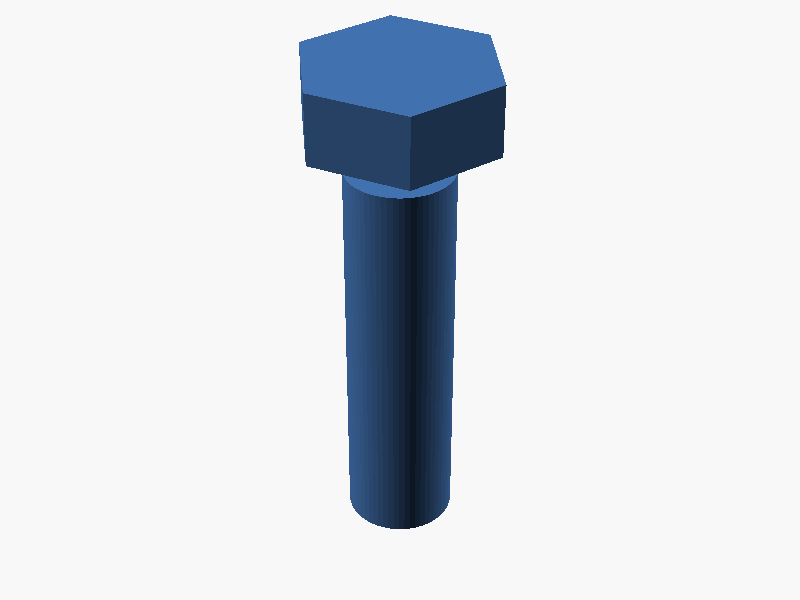
// M8 Hex Bolt (Thread omitted)

// Parameters
head_across_flats = 13;  // Head width across flats (mm)
head_height = 5.3;       // Head height (mm)
shank_diameter = 8;      // Shank diameter (mm)
shank_length = 30;       // Shank length (mm)
hex_sides = 6;

// Calculate hex radius (distance from center to vertex)
head_radius = head_across_flats / (2 * cos(180/hex_sides));

// Hex head (centered at z = head_height/2, bottom at z = 0)
module hex_head() {
    translate([0, 0, head_height/2])
        cylinder(h = head_height, r = head_radius, $fn = hex_sides);
}

// Shank (extends downward from bottom of head, along -Z)
module shank() {
    translate([0, 0, -shank_length])
        cylinder(h = shank_length, r = shank_diameter/2, $fn = 60);
}

// Assemble
hex_head();
shank(); パラメータ (5) —
スライダを動かすと openscad-wasm で再レンダリング
iteration chain
各 iteration step は独立した benchmark run です。parentRunId で前段にリンクします。
← parent 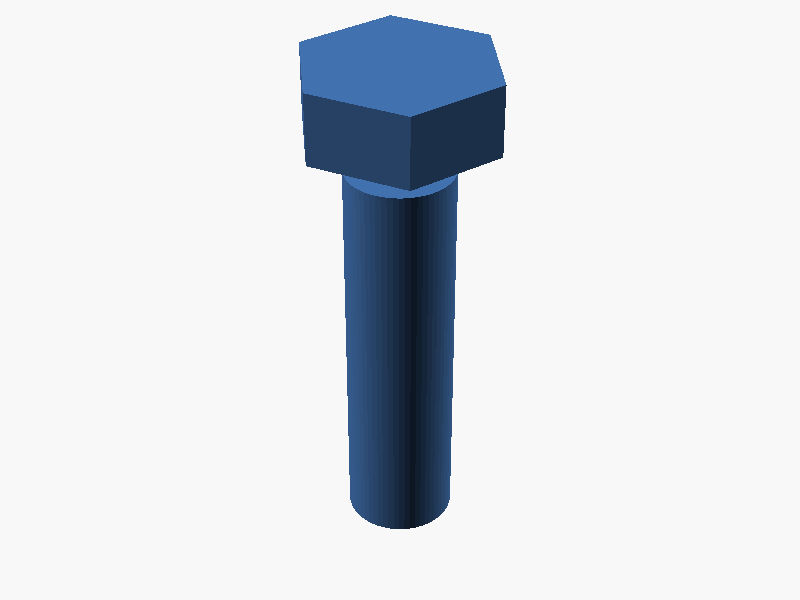
bare/gpt-4.1 success → children (1)
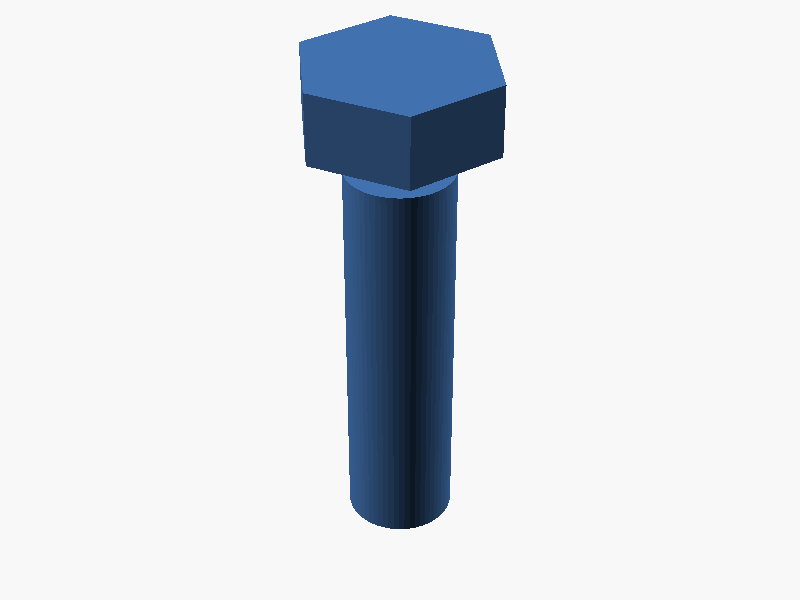
prompt
OpenSCAD で、規格に準じた M8 サイズの六角ボルトを作ってください。
ねじ山自体は省略してよく、円柱のシャンクで構いません。

寸法は以下に従ってください:
- 頭部は六角柱で、対辺距離(across-flats)13mm、高さ 5.3mm
- シャンク(軸部)は直径 8mm、長さ 30mm の円柱
- ボルト全体の中心軸は +Z 軸方向
- 頭部の底面が原点(z=0)に来るように配置し、シャンクは z<0 側へ伸ばす

完成したコード全体を ```openscad ... ``` のフェンスで囲んで出力してください。コードのみで、追加の説明は不要です。